🔁 Review #3 – Photo on the Left, Link on the Right
<div class="flex-container">
<img src="photo.jpg" width="200">
<a href="https://example.com">Visit My Website</a>
</div>
Completed!
.

🆕 New Skill #1 – Creating a Grid of Web Links
<div class="grid-container">
<div class="grid-item"><a href="#">Link 1</a></div>
<div class="grid-item"><a href="#">Link 2</a></div>
<div class="grid-item"><a href="#">Link 3</a></div>
</div>
Completed!
.🆕 New Skill #1 Completed – Creating a Grid of Web Links
🆕 New Skill #2 – Creating a Simple Directory Page
<h2>Student Directory</h2>
<ul>
<li><a href="student1.html">Student 1</a></li>
<li><a href="student2.html">Student 2</a></li>
<li><a href="student3.html">Student 3</a></li>
</ul>
Mission: Create a directory page with 3 student links Completed!
.
Stacklist One
Stacklist Two
Stacklist Official
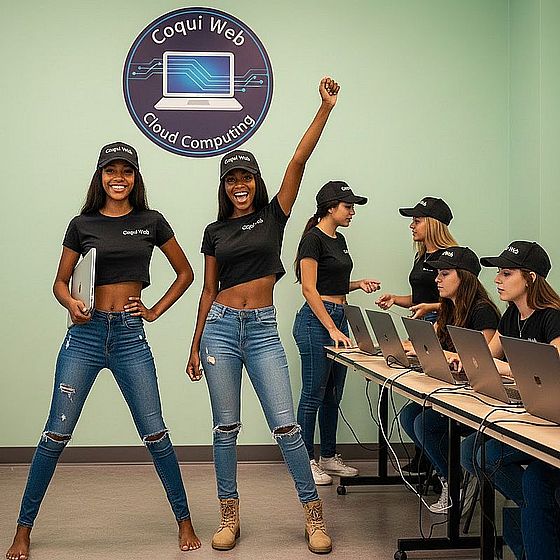
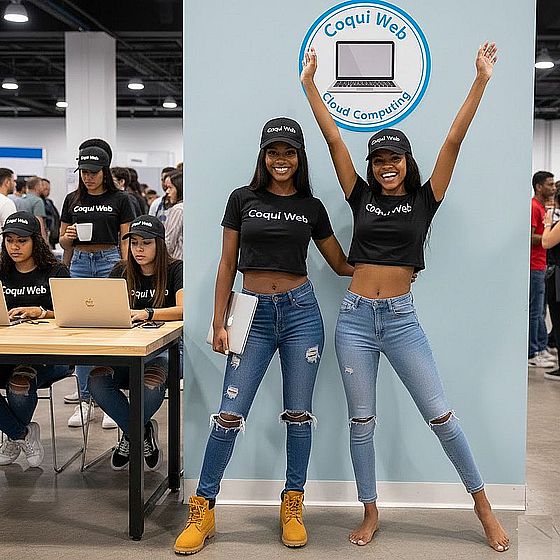
Coqui Web Cloud Computing Team Coordinators For the Cadet Program
Denise and Tamara